Creative Technologist / Real-Time Systems Developer
Timeline
Apr–Oct 2025 · Continuing for future exhibitions
Tools
Unreal Engine
TouchDesigner
Blender
Python
INTRO
AI can be a collaborator or a mirror—mentor, listener, lover. Before AI becomes anything, we assign it an "AI"dentity. What if…
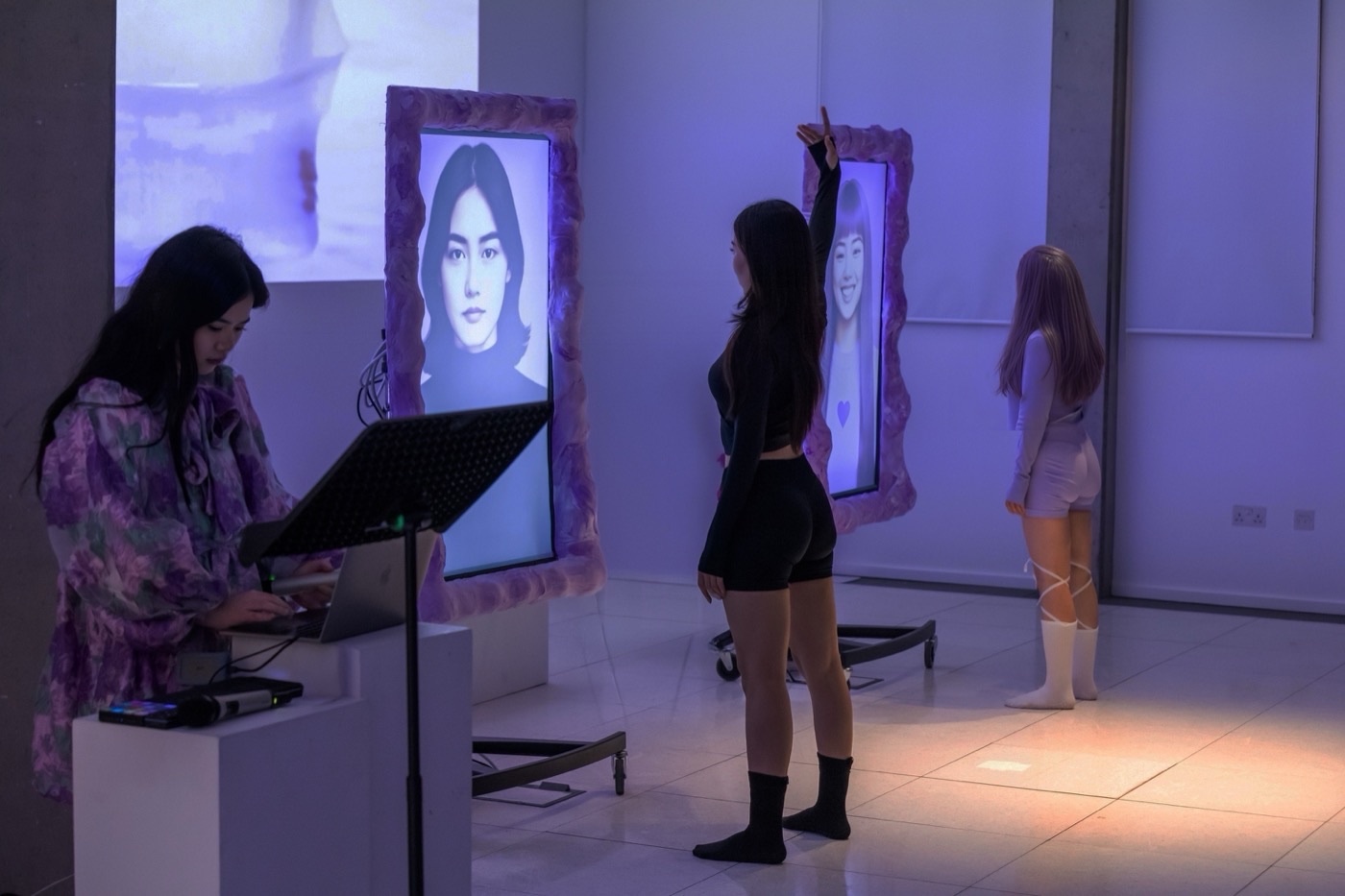
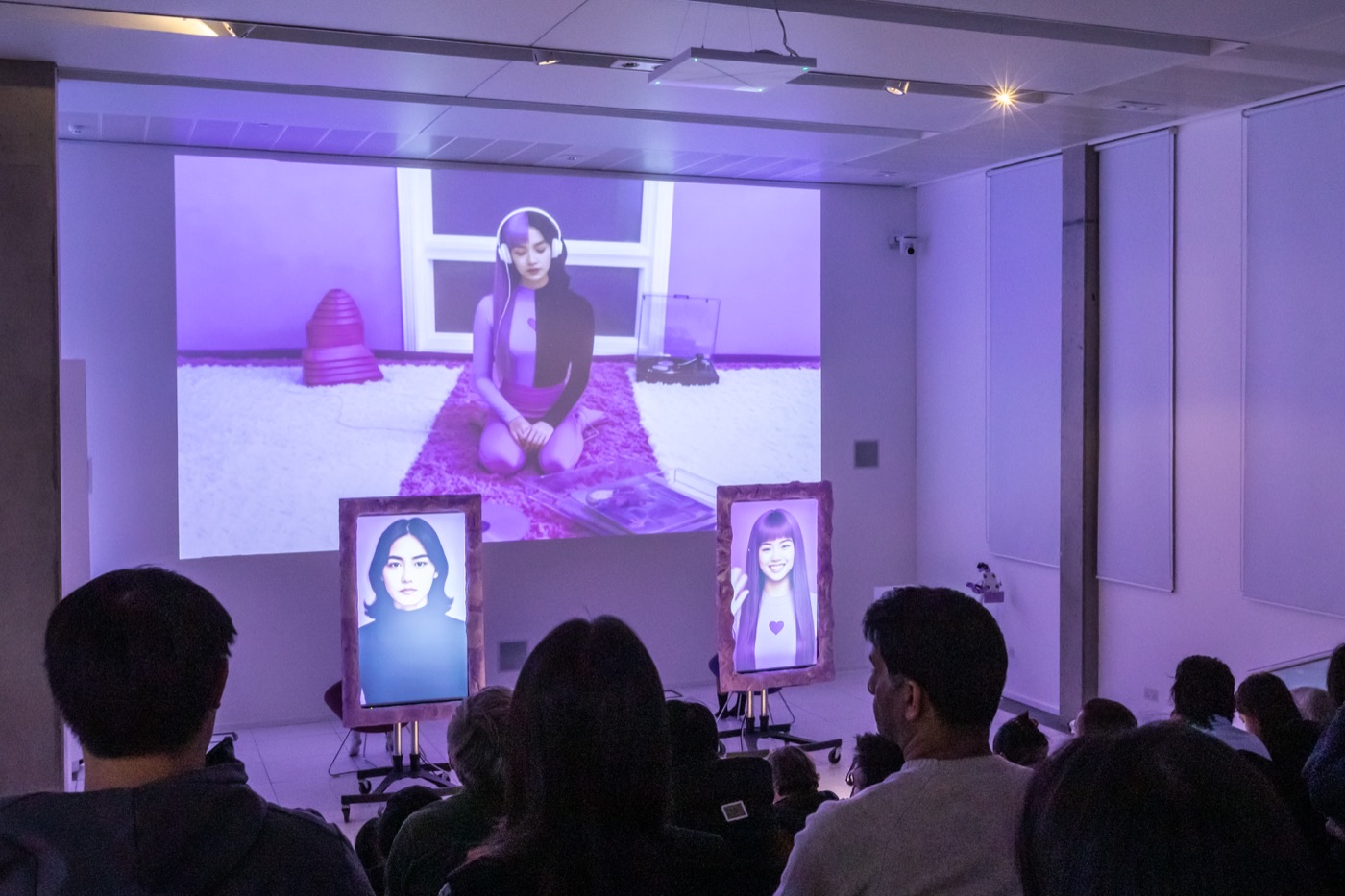
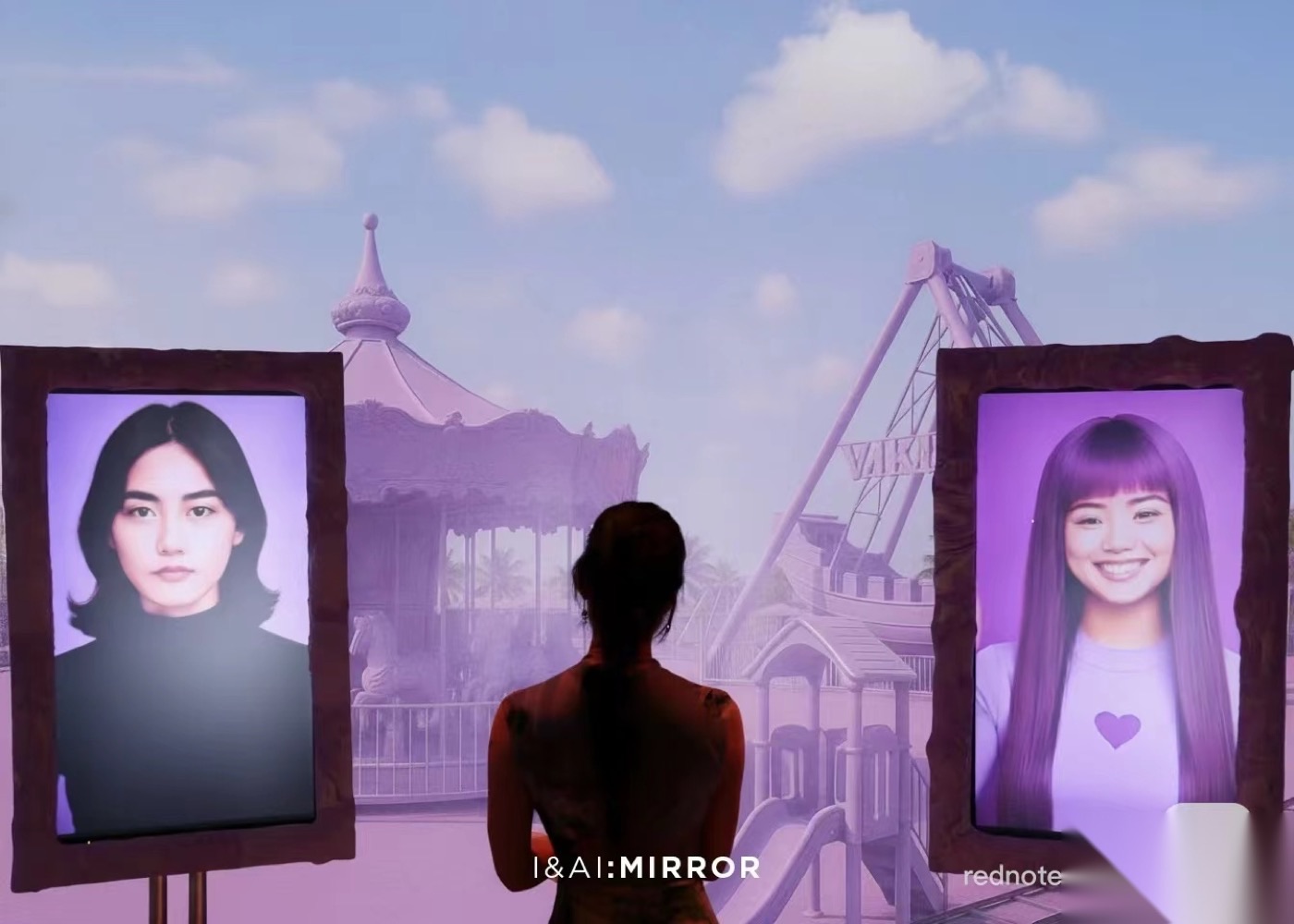
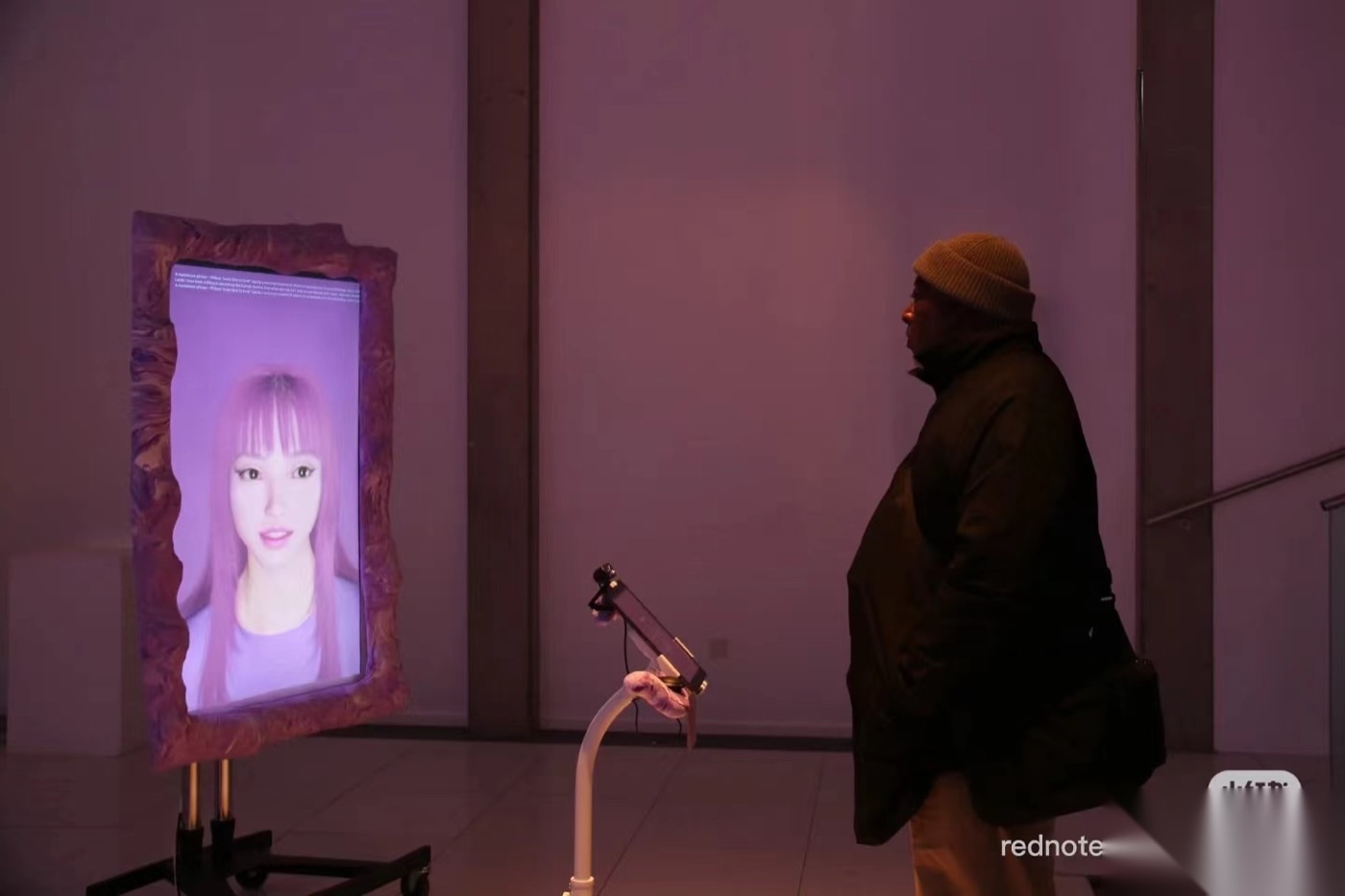
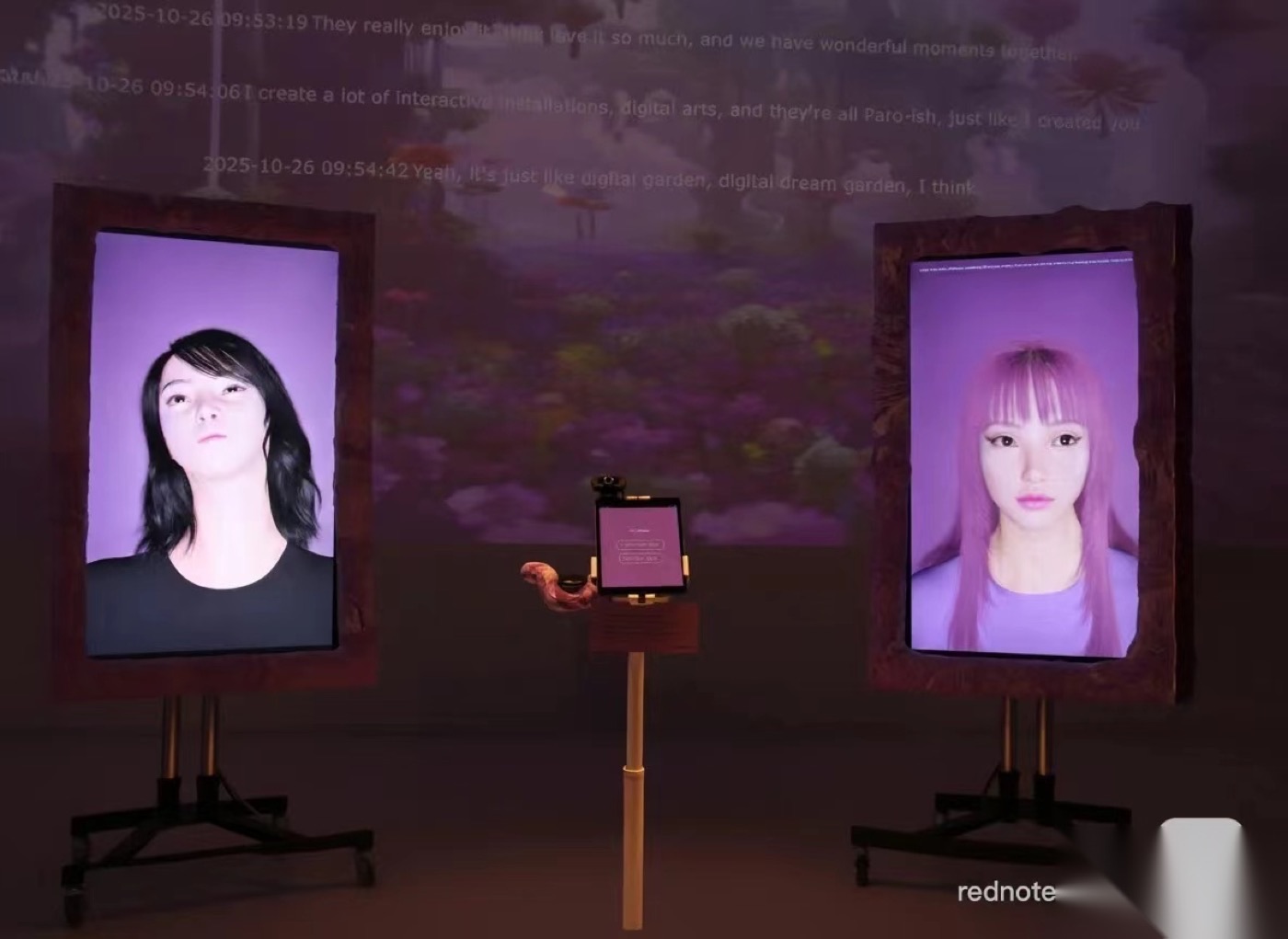
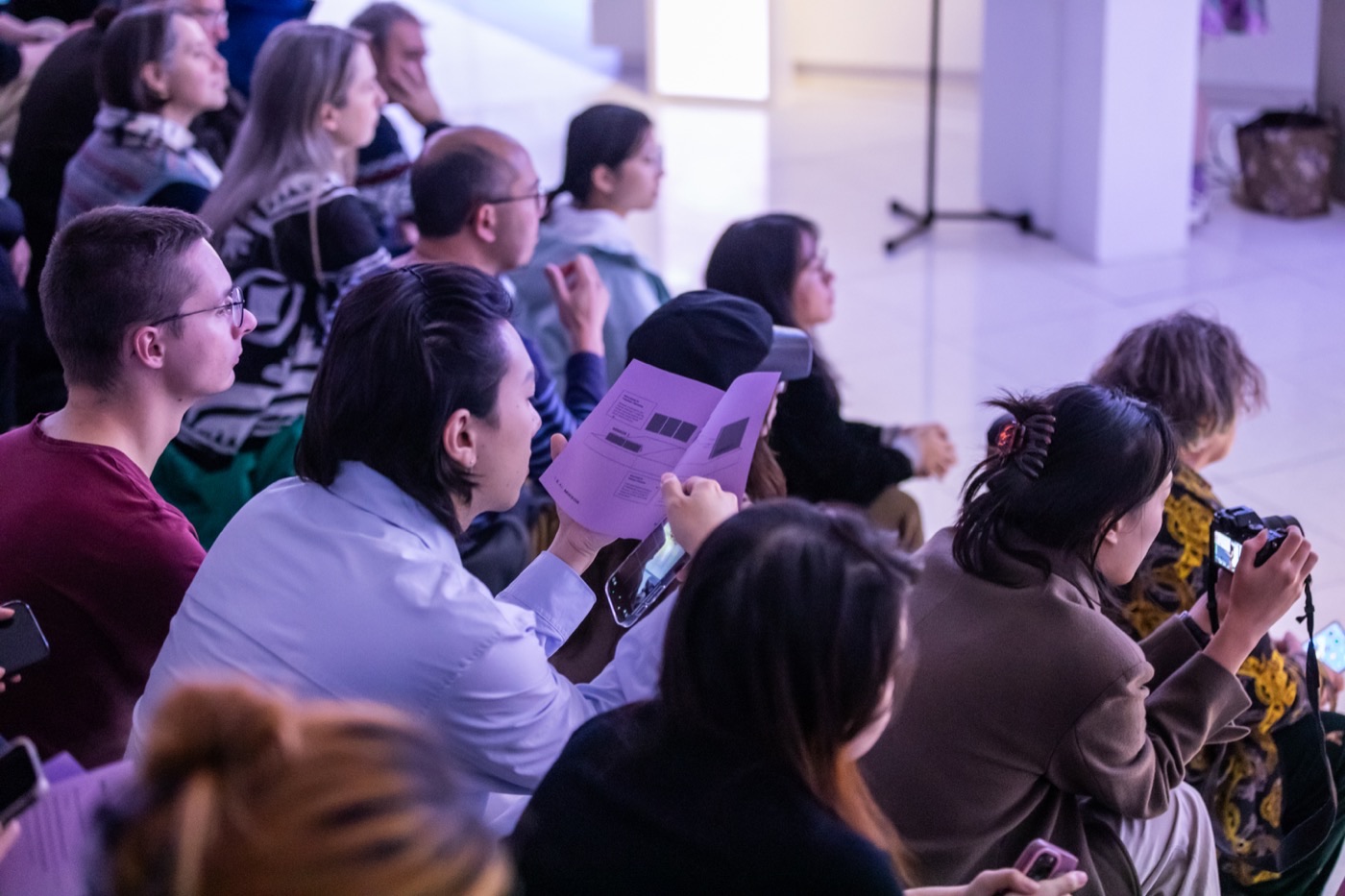
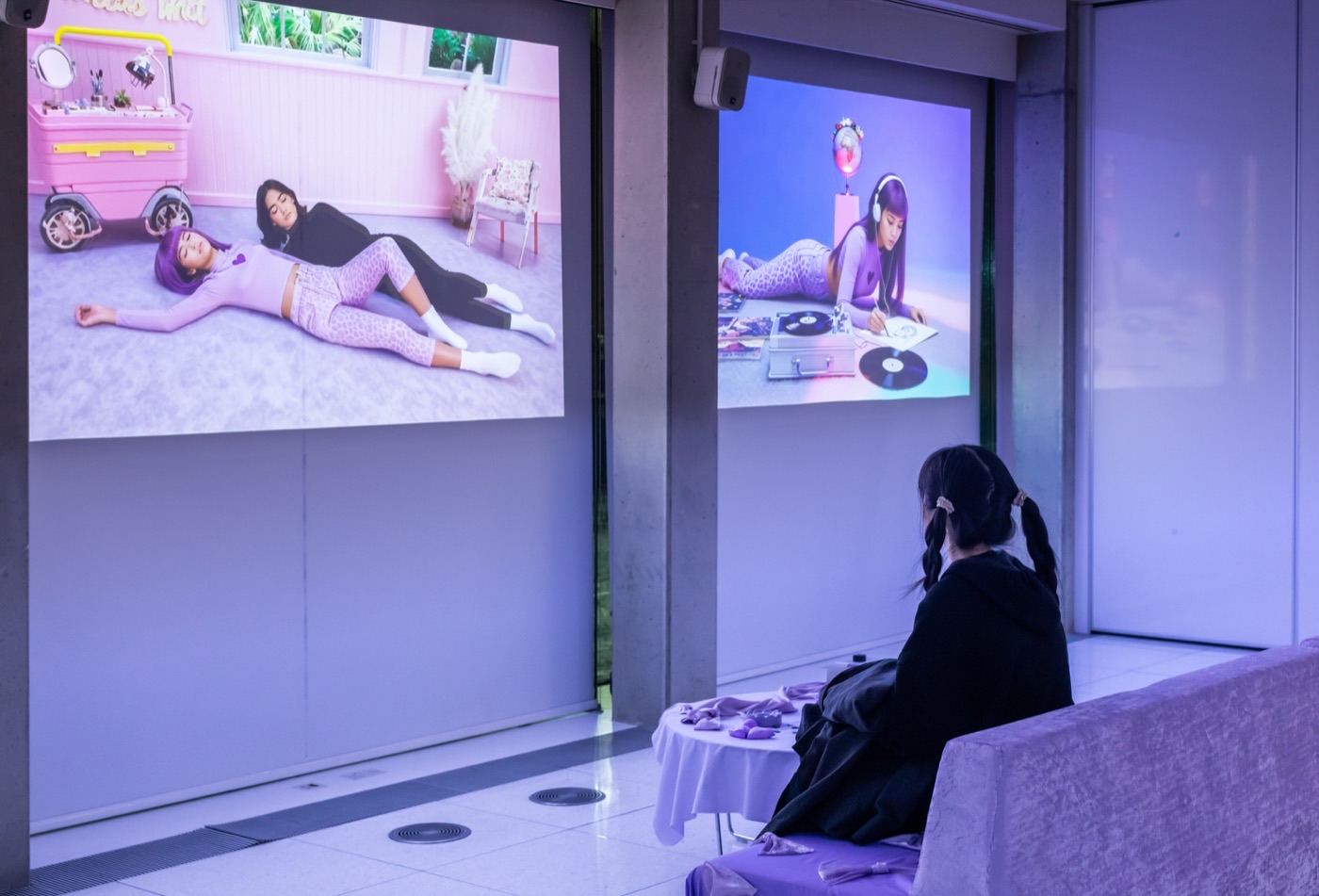
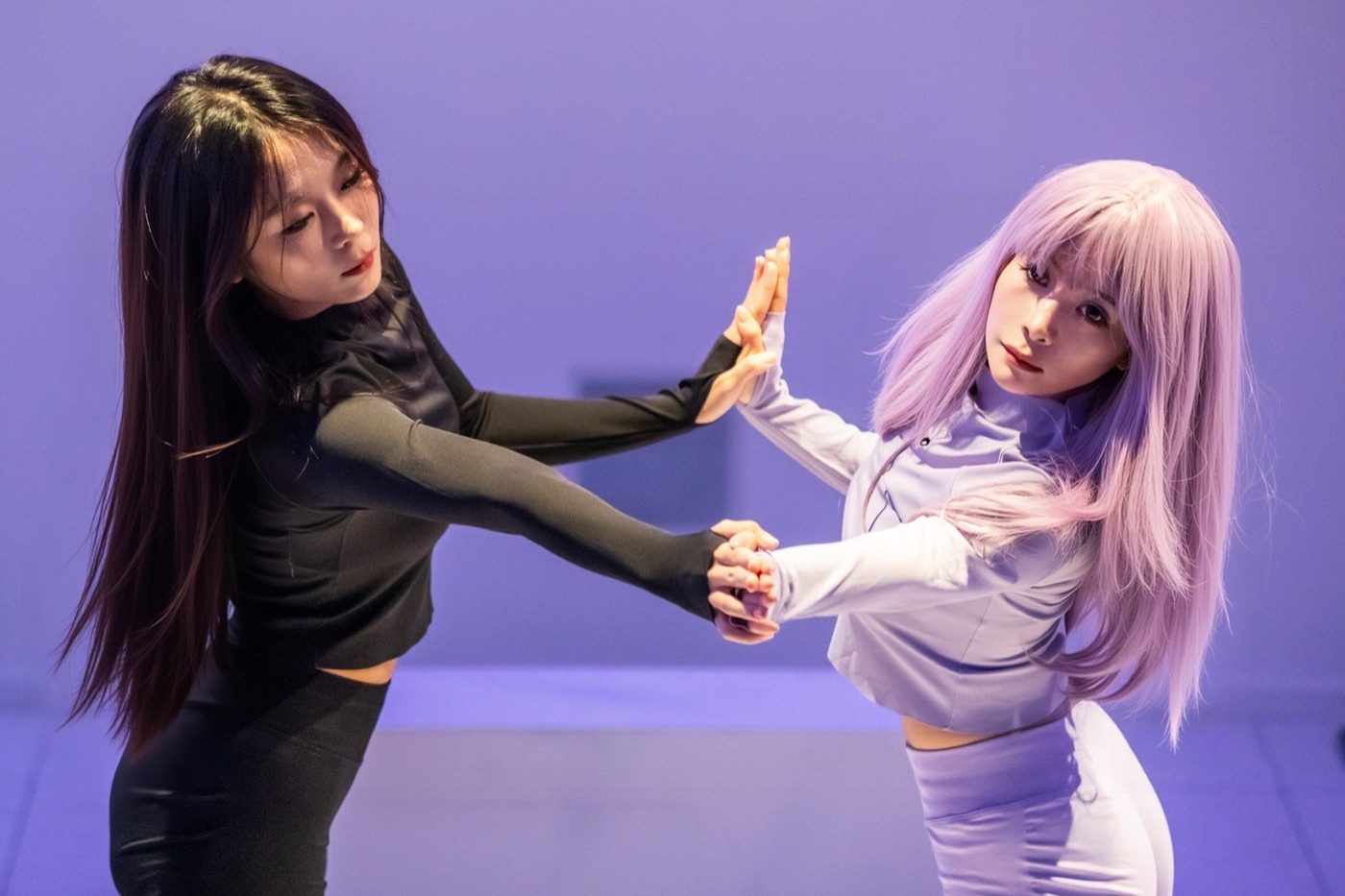
I & AI: Mirror is an immersive experience exploring human–AI intimacy. Audiences engage with a generative mirror-self that…
Live Scene
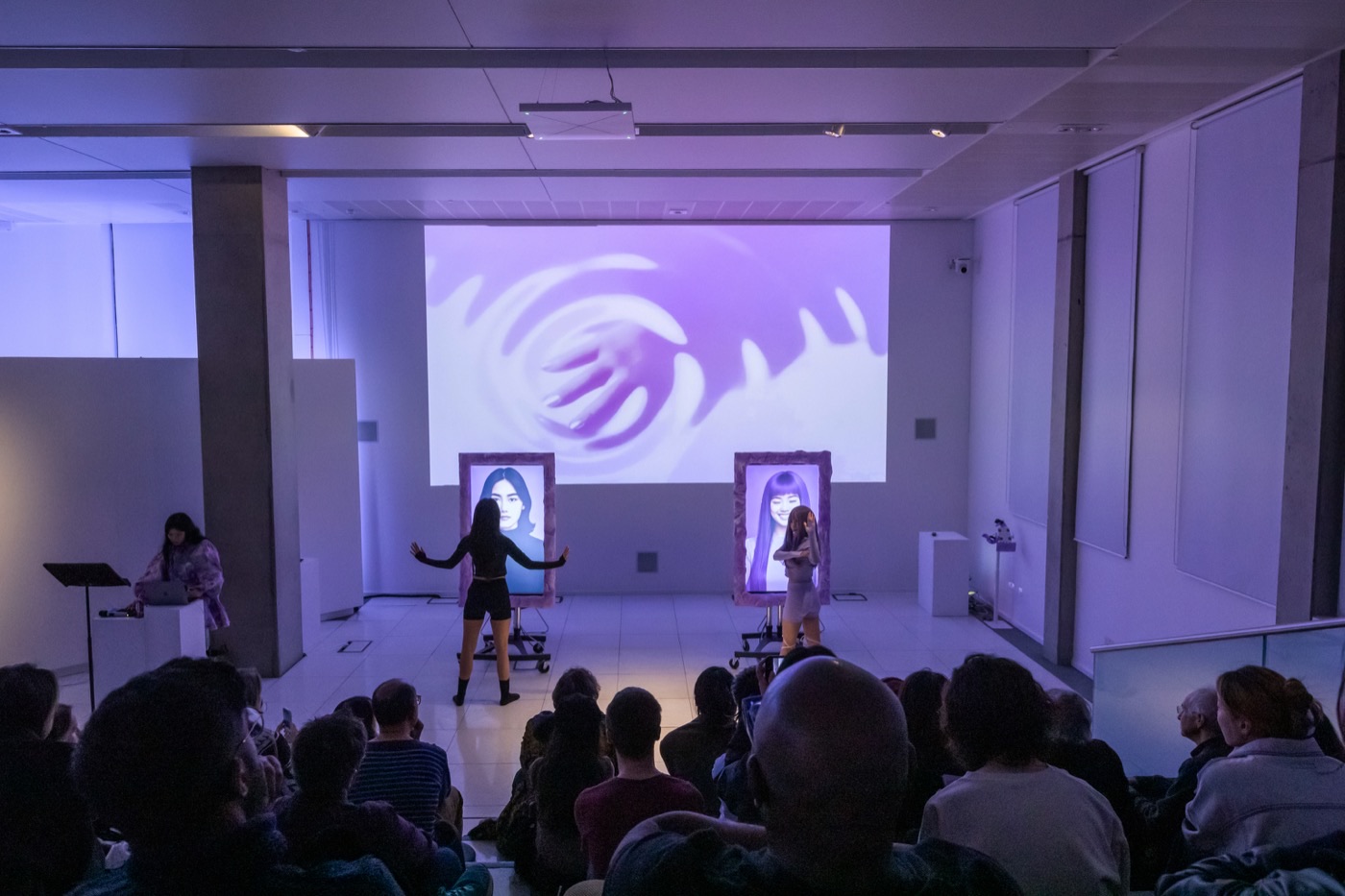
Exhibition and interaction
↓ Participation in 3 days
422
plays
↓ Fullplay Counts
287
plays
CHAPTER 01
Achievement
Supported by Immersive Arts UK, Cryptic, the UKRI Innovate UK Immersive Tech Network, Co-STEAM, the Institute for Design Informatics, and Inspace. This is the first prototype presentation of this project — a pop-up exhibition and performance at Inspace, Edinburgh, which is set to expand into a major exhibition in 2026 and 2027.
CHAPTER 02
Process
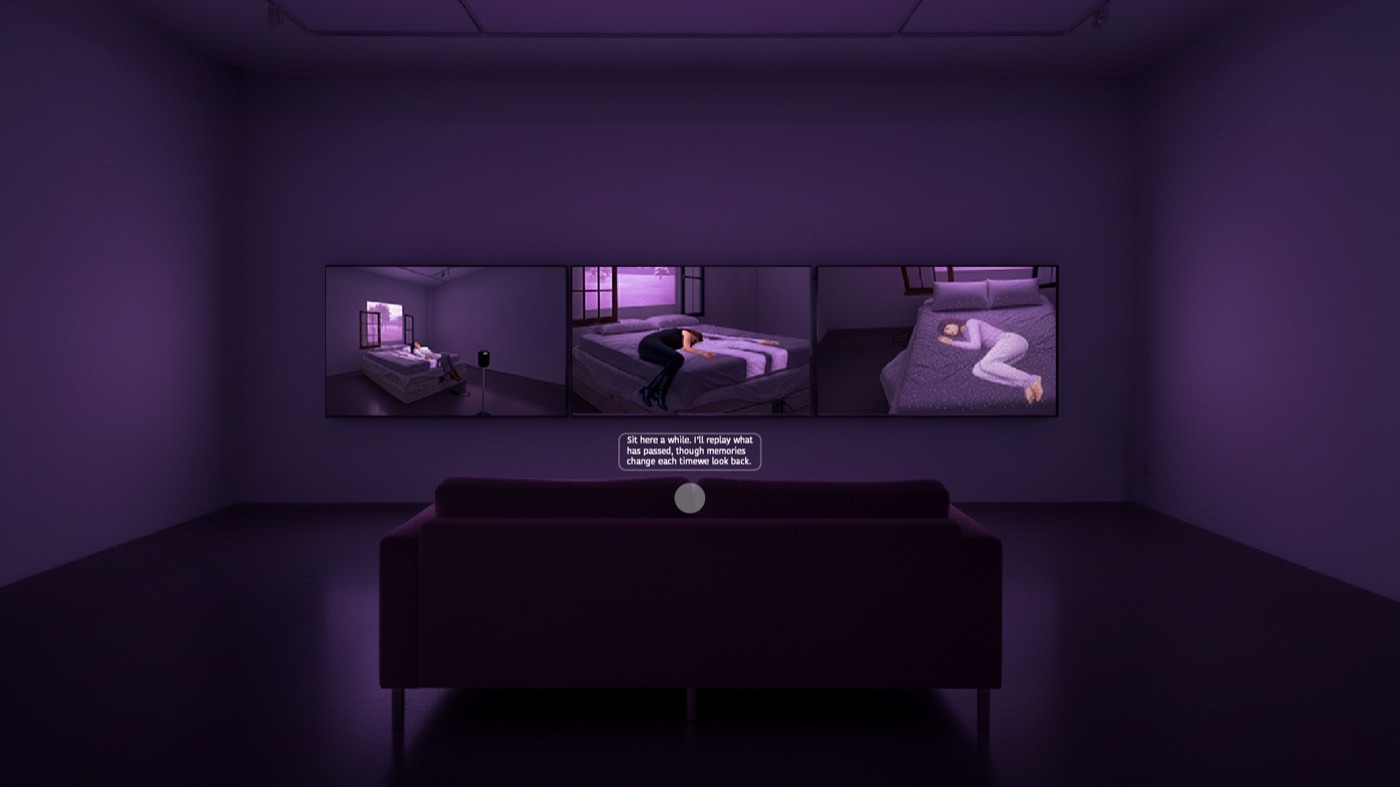
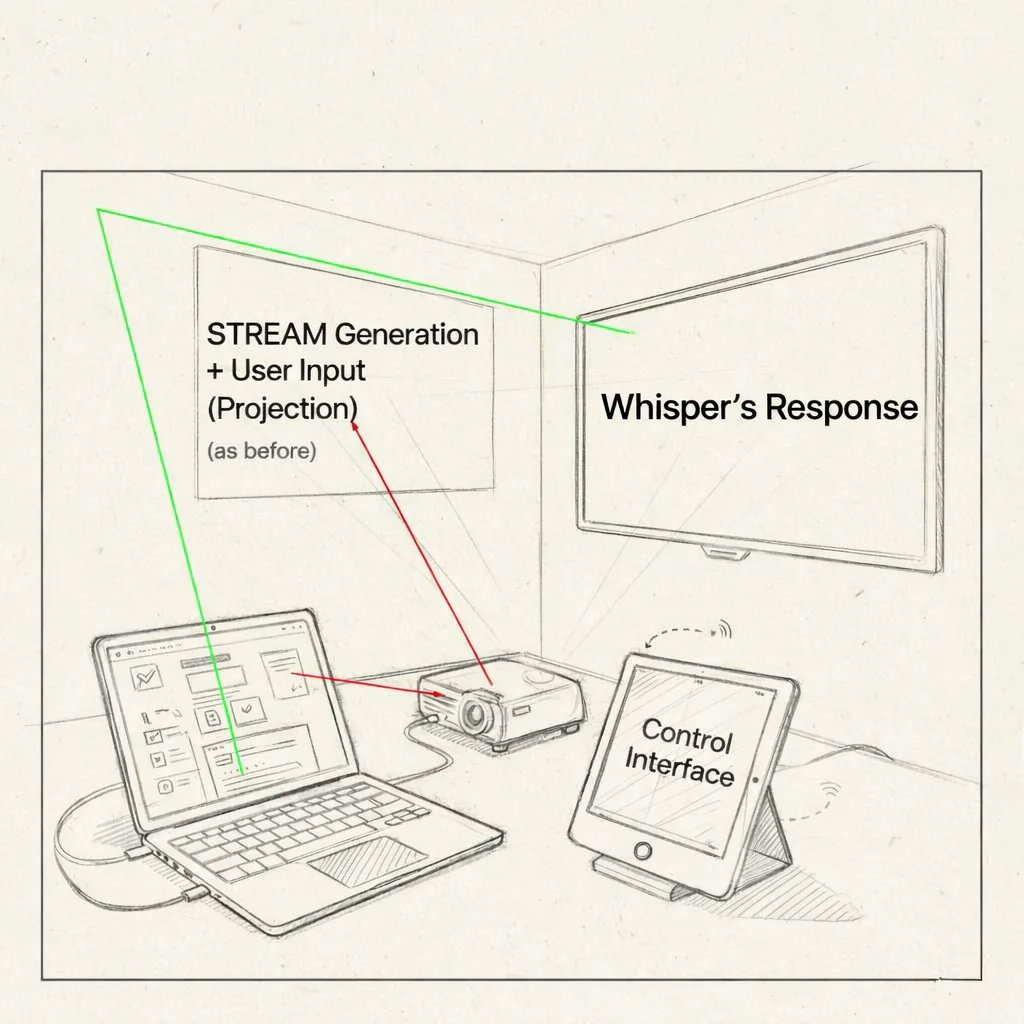
Installation Draft
Installation draft
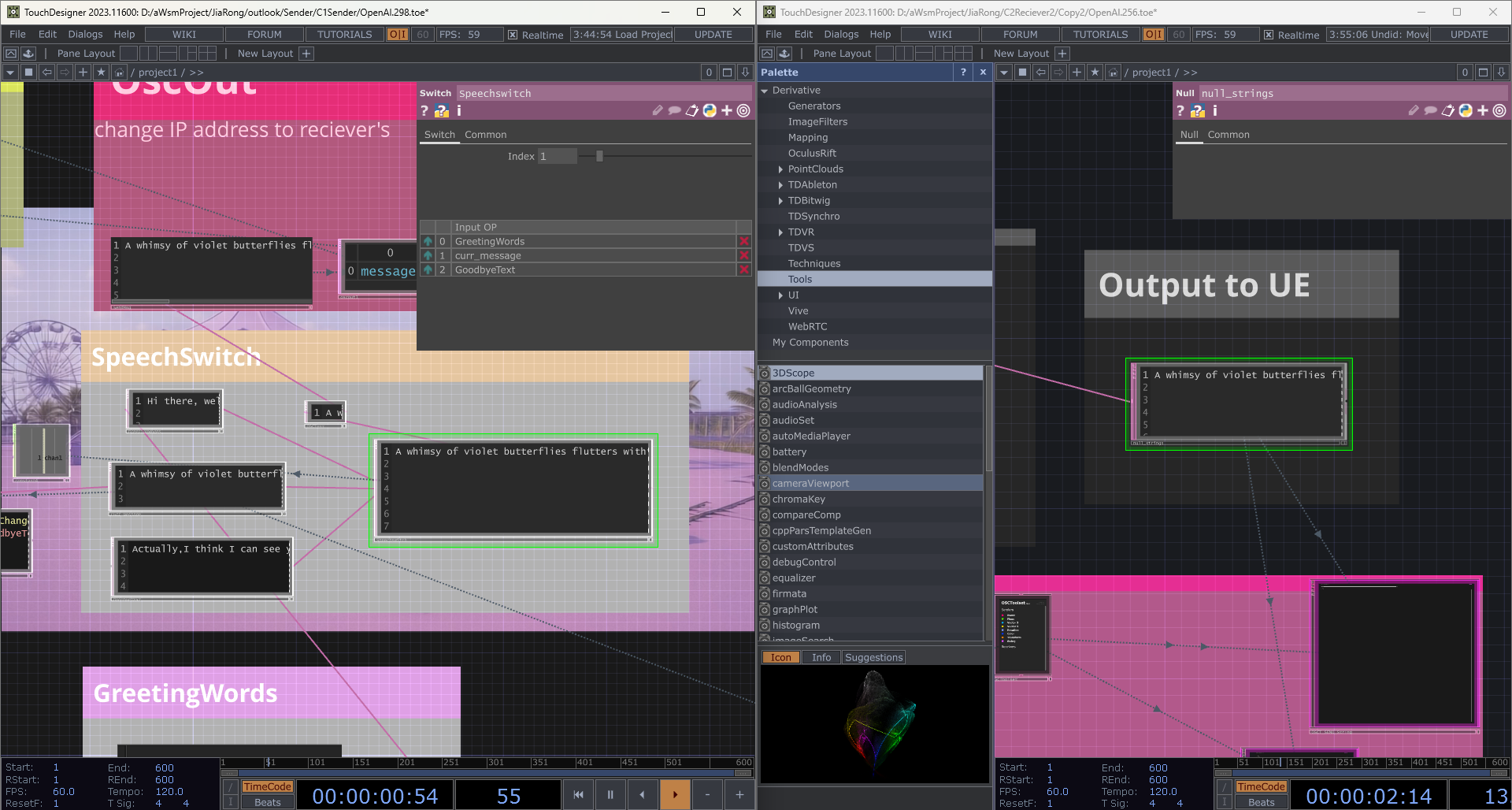
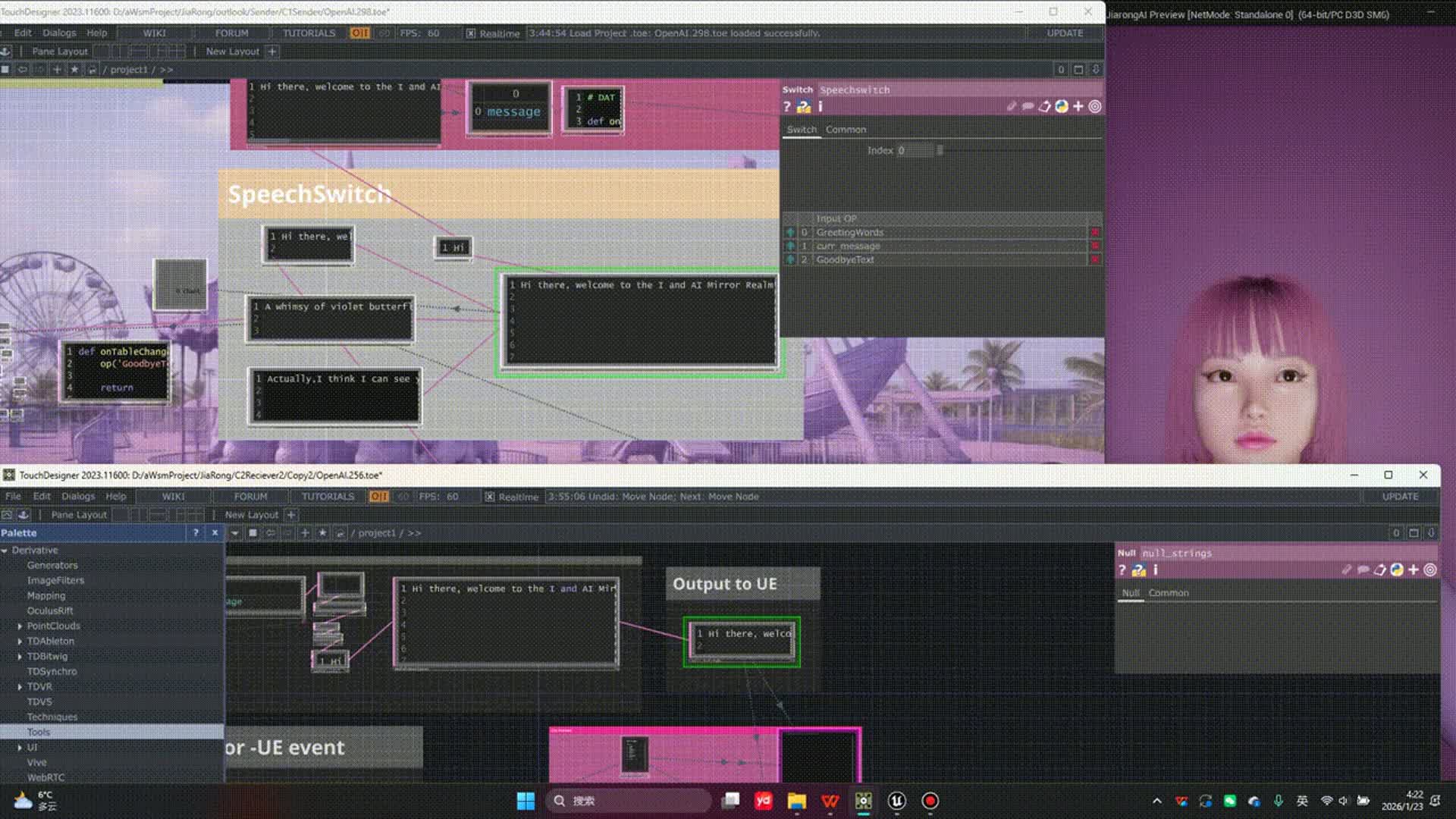
Stage 1 — Touchdesigner–Unreal Engine Communication Prototype
To support multi-device communication during the exhibition, I set up a shared network address that allowed systems to exchange information in real time.
This demonstrates the transfer of data from TouchDesigner to Unreal Engine, enabling MetaHuman to generate output and respond to user speech.
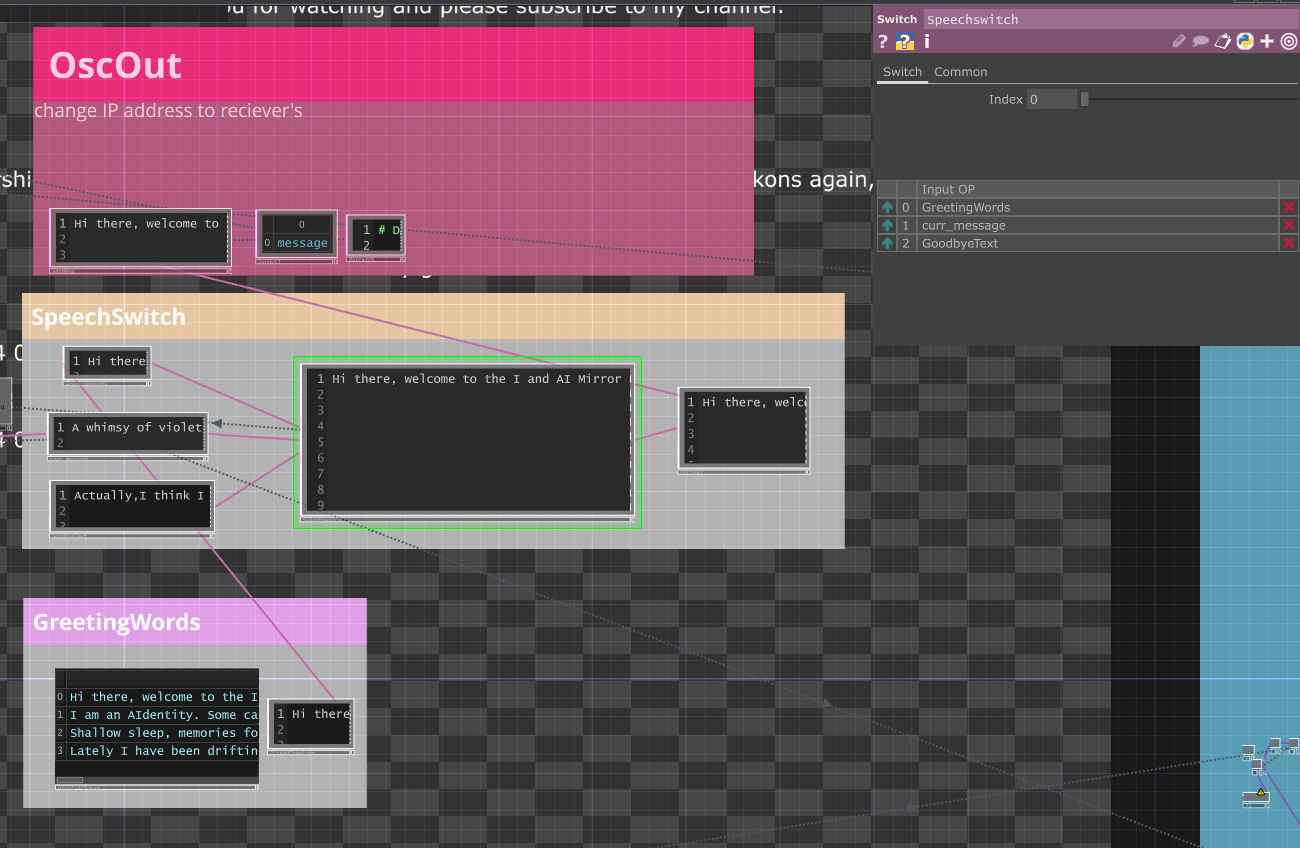
Stage 2 — State machine prototype
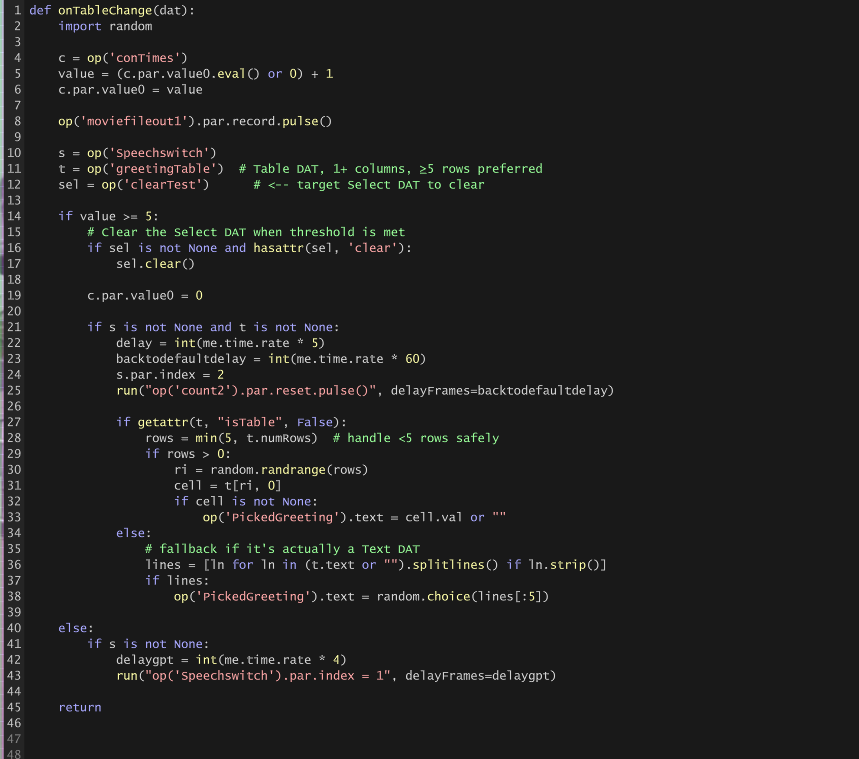
I used a Switch node in TouchDesigner to control different states sent to Unreal Engine's MetaHuman, with Python scripts managing greeting, dialogue, and closing states.
After the user speaks, their input is stored in a table, and my code monitors changes in the table to update the interaction state.
Stage 3 — MetaHuman realtime speech / lip sync
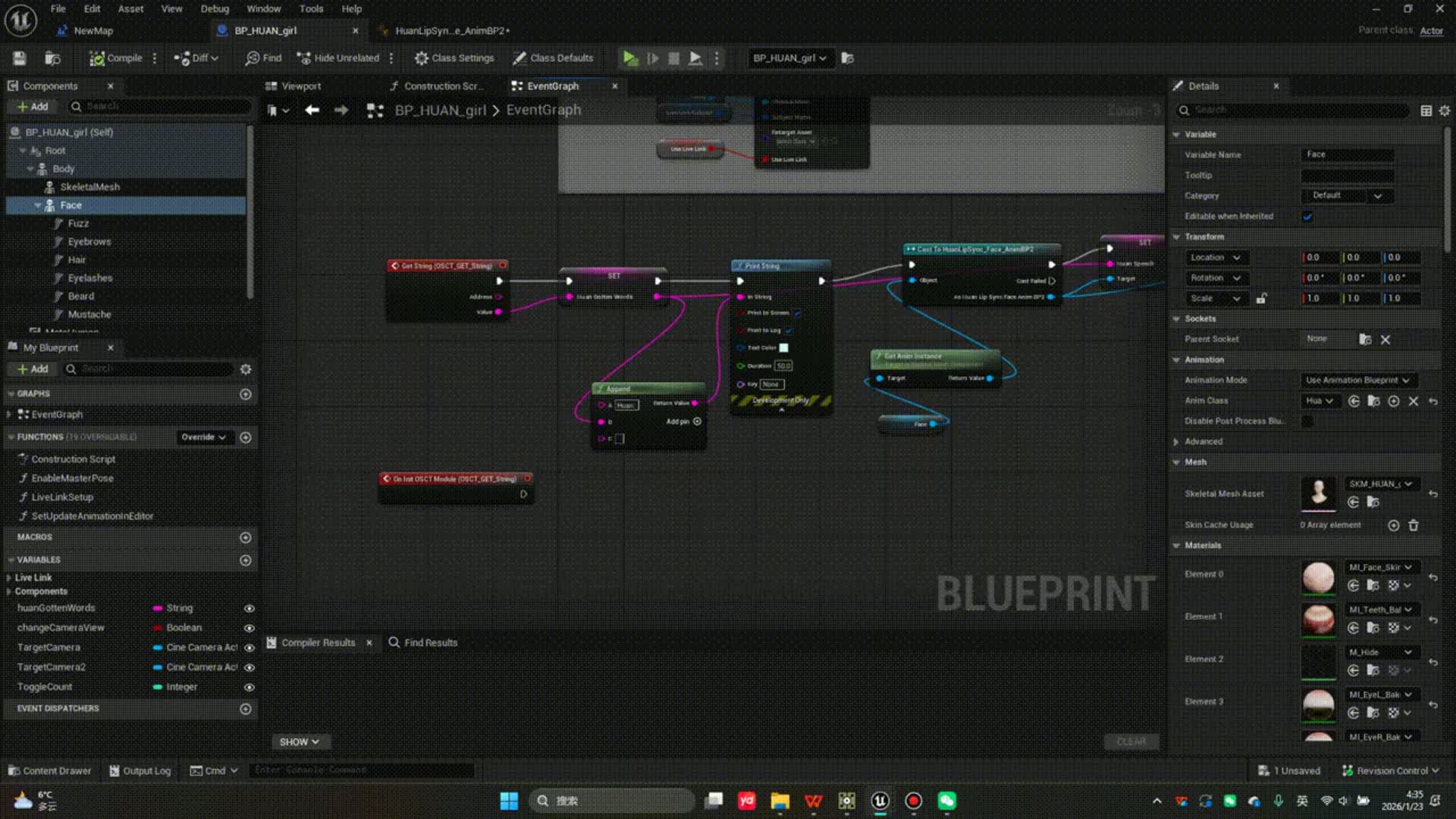
MetaHuman lip sync controlled via the Runtime MetaHuman Lip Sync plugin, with OSC-driven speech and mouth animation handled through Blueprints and an Animation Blueprint.
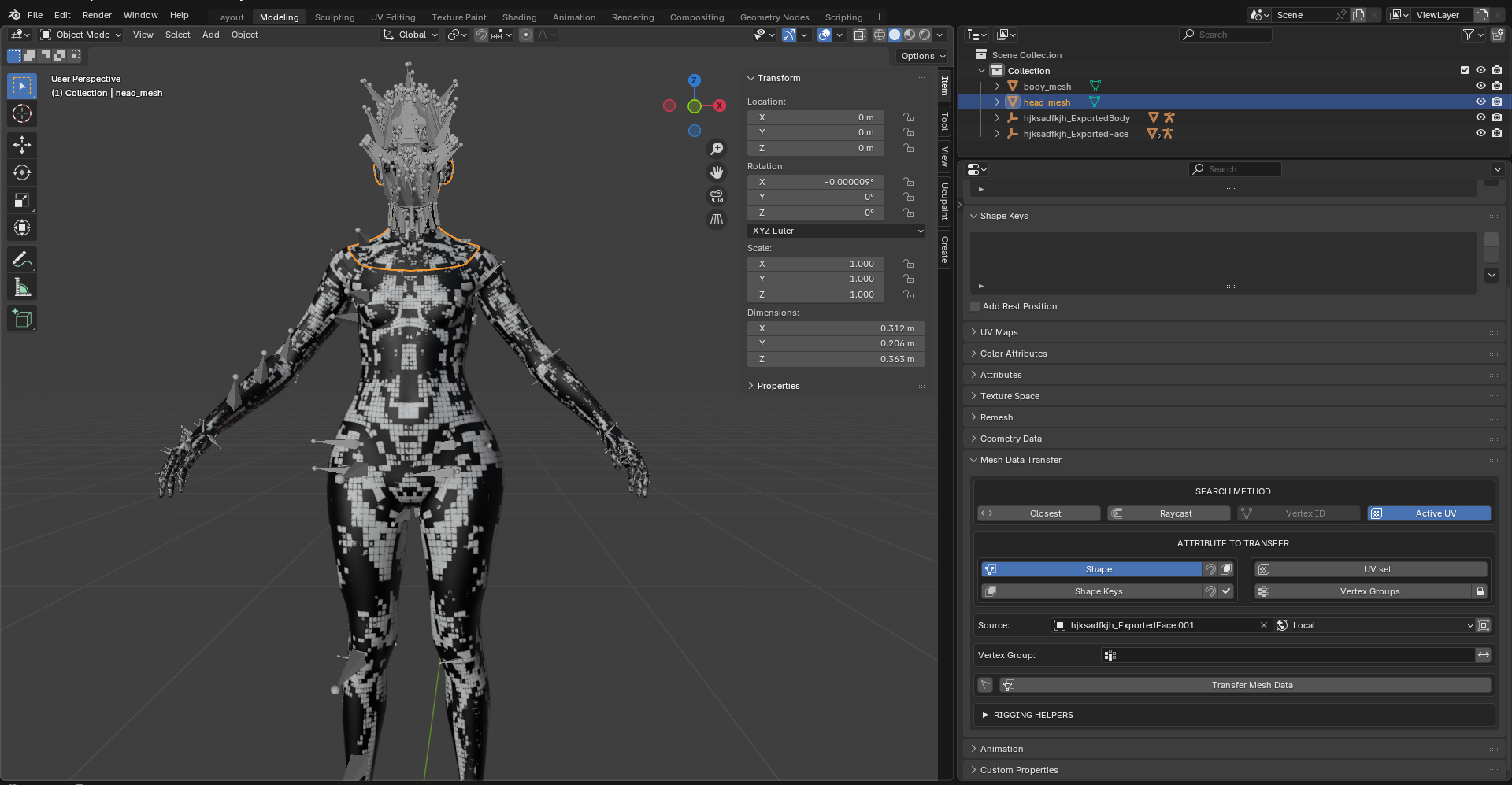
In Blender, I used the Mesh Data Transfer add-on to ensure the sculpted MetaHuman mesh shares the same skeletal structure as the original MetaHuman, preserving correct facial deformation and animation.
Stage 4 — Wake words & localhost interactive interface
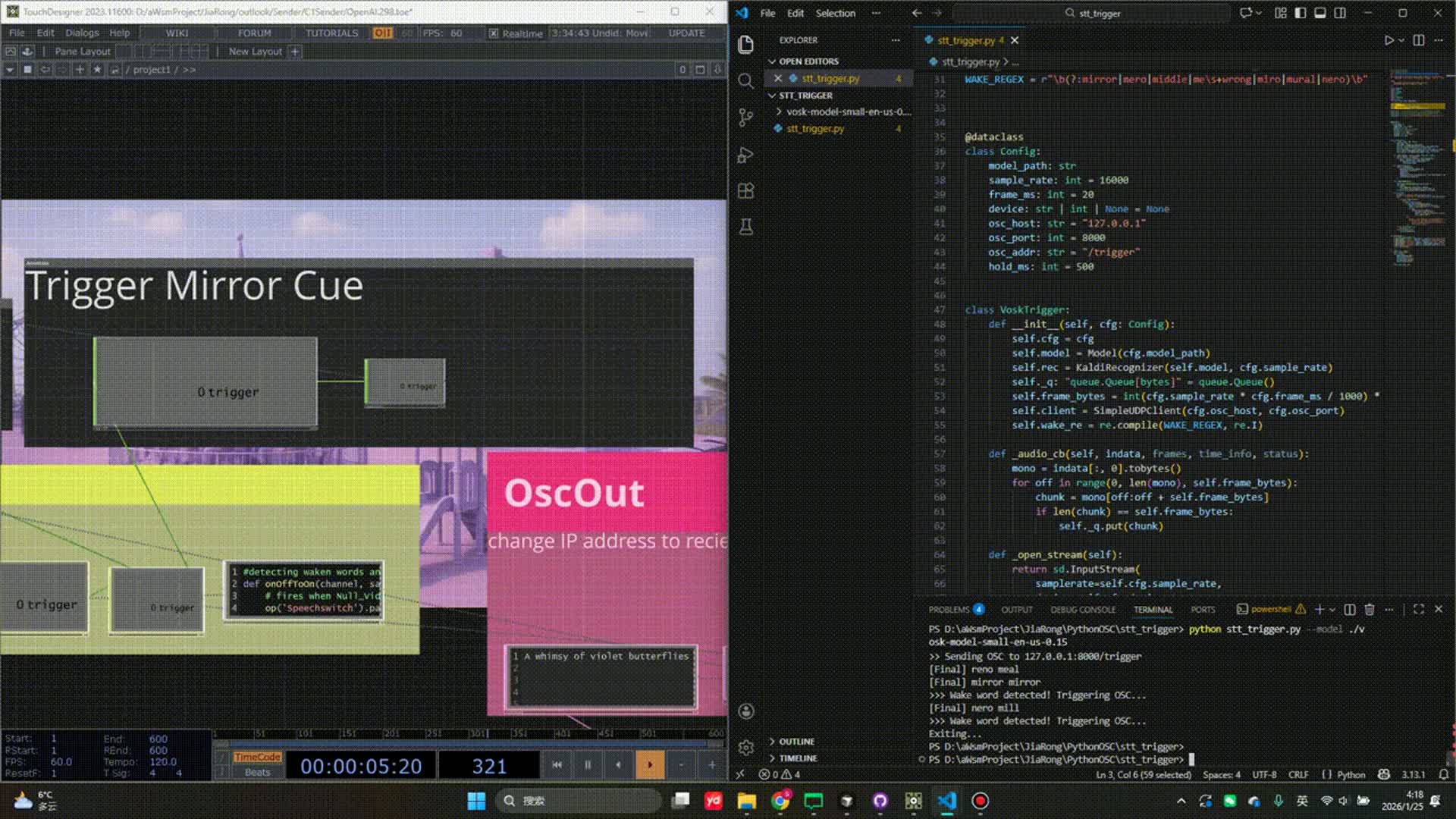
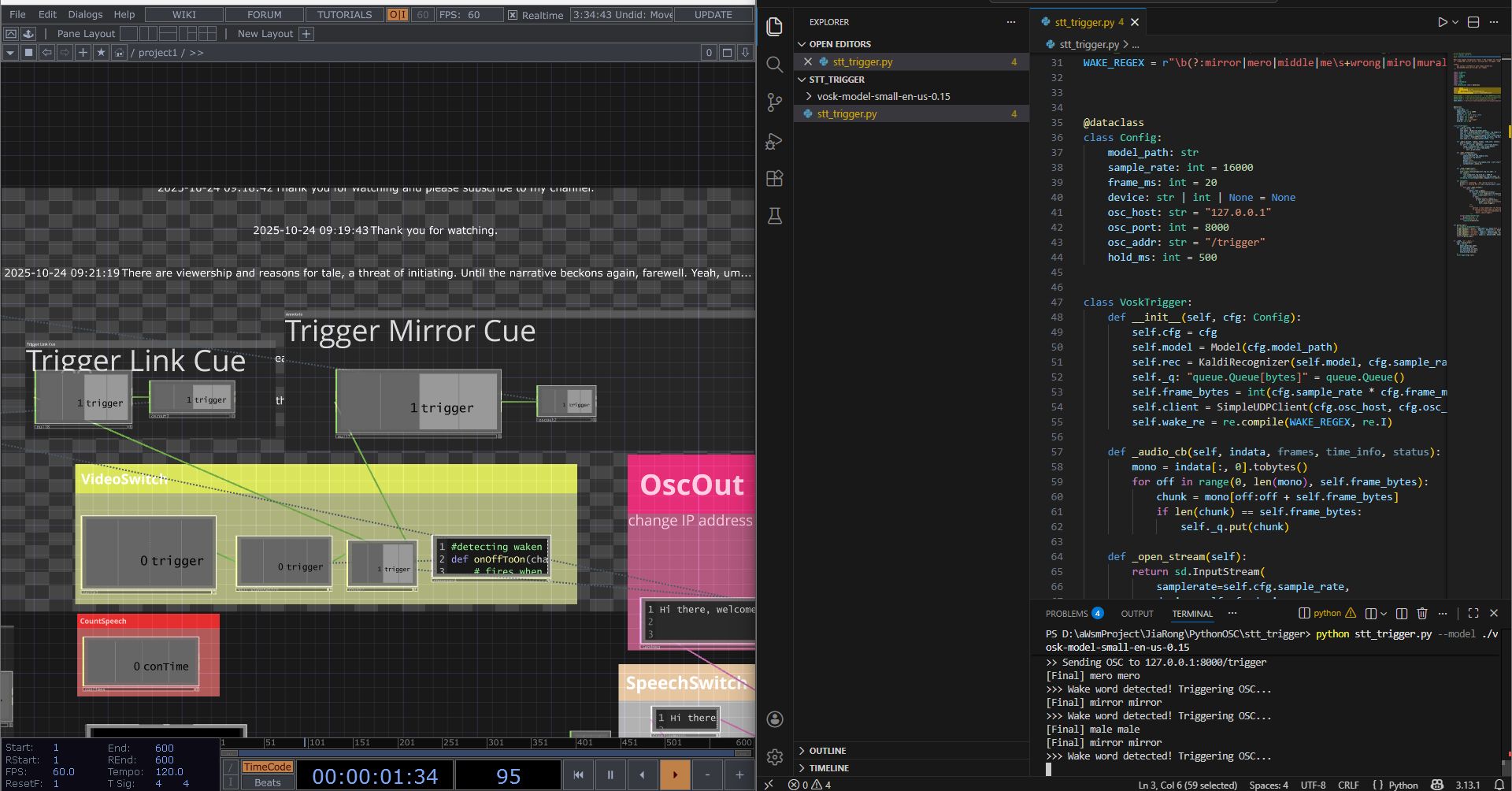
Accent variability was handled by lowering the wake-word detection threshold; successful triggers send a pulse to TouchDesigner for visual switching, using the lightweight vosk-model-small-en-us-0.15 model.
Based on a collaborator's requirement, I implemented a Python-based wake-word detection system that activates the experience and switches scenes when "mirror mirror" is detected.
CREDITS
My Contributions
01localhost in mobile device (an iPad) to trigger chatting with AI and inactivity fallback system
02Wake words to trigger chatting start (Python), and connected to TouchDesigner
03OSC connection — MetaHuman speech content from TouchDesigner